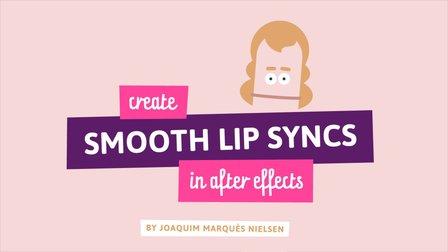
This awesome technique will enable you to create smooth lip syncs in Adobe After Effects. The technique is especially suitable for slow talking characters, but works great at other speeds as well. It's a fun and short class that's straight to the point. If you really want to spice up you character animations in Adobe After Effects, then this class is definitely for you! What are you waiting for? Let's get those lips moving! I'm sure your characters have something fun to say :-)
ASSIGNMENT
Your assignment is to give a fun character or object the ability to finally talk in the smoothest way you could ever imagine! Follow my short video lessons step by step to create and animate a smooth lip sync. Then combine the mouth with your awesome drawing skills or just go ahead and find an image of something you want to place the mouth on ...or you can be super lazy and download the Illustrator file "Head.ai" which contains the head I'm using in the video. BOOM! That's it :-)
DELIVERABLES
- A short video (3-5 seconds) of your character saying something. Go nuts!
- Create Project
- Resources(1)