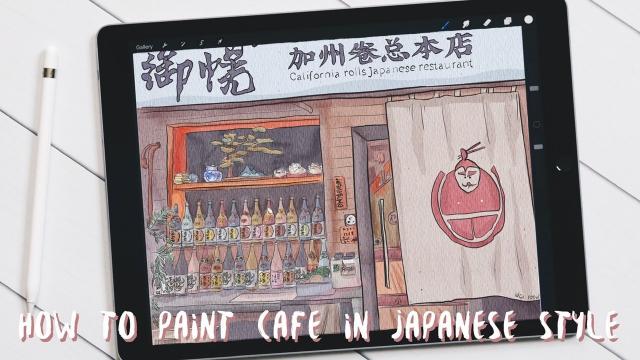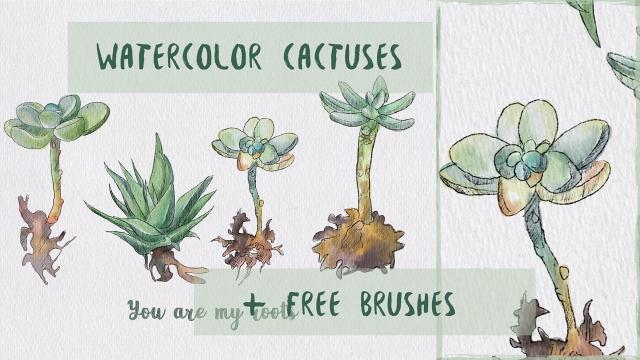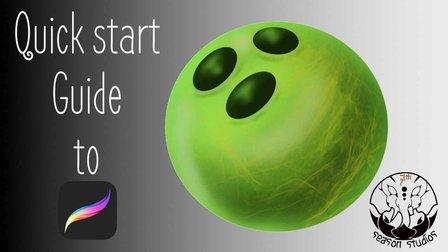
Tired of unboxing a program and having to spend 3 weeks to figure out how to use the thing……we were too. People learn faster when they have a project, and so we developed the quick start guide to Procreate, so whether you are brand new to digital art, or just trying to figure out where the transformation tool is in this program…we have created a course that gets you up and creating through creating 2 projects .
Following this course you will be able to
- Import and export in Procreate
- Apply the principles to generate 2 pieces of portfolio art
- Open adjust and select various layers
- Generate non-destructive workflows
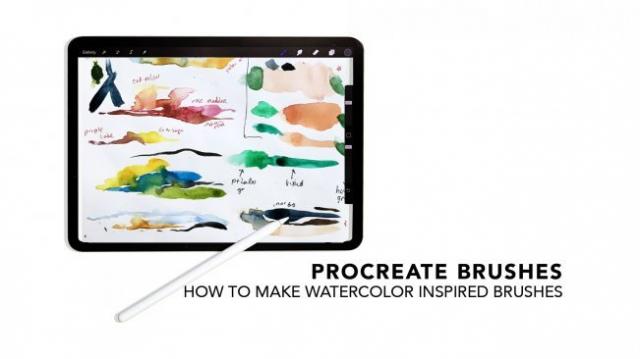
- Create your own custom brushes
- Learn to work between the ipad and PC if you are a PC user
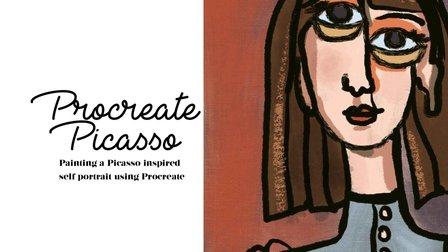
- Transform your art work to match your desired style
- Identify and utilize 3 different sources of colors to improve your art right off the bat
Project based application is the key to quicker learning because
- The projects force application for stronger recall
- You spend more time working instead of searching for endless youtube tutorials all over everywhere
Utilizing the techniques in the course create a bowling ball similar to the one below....it doesn't have to be exact...just something in the same area....remember, utilization of education is the key to actual learning
Go to Class
MOOC List is learner-supported. When you buy through links on our site, we may earn an affiliate commission.