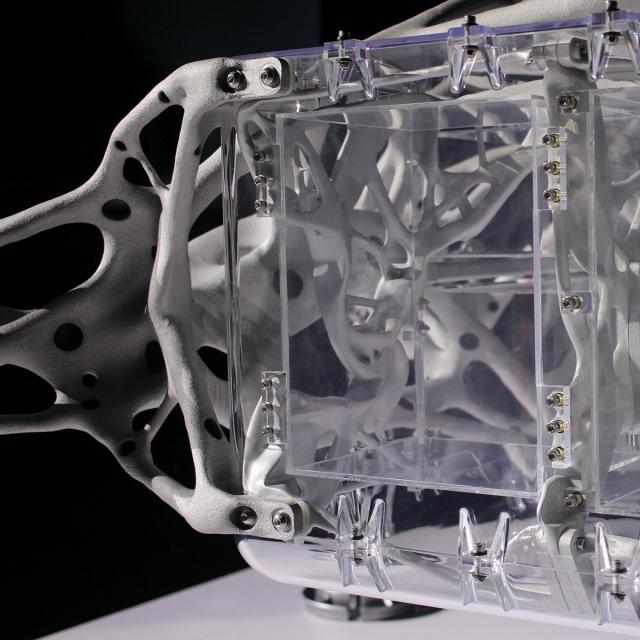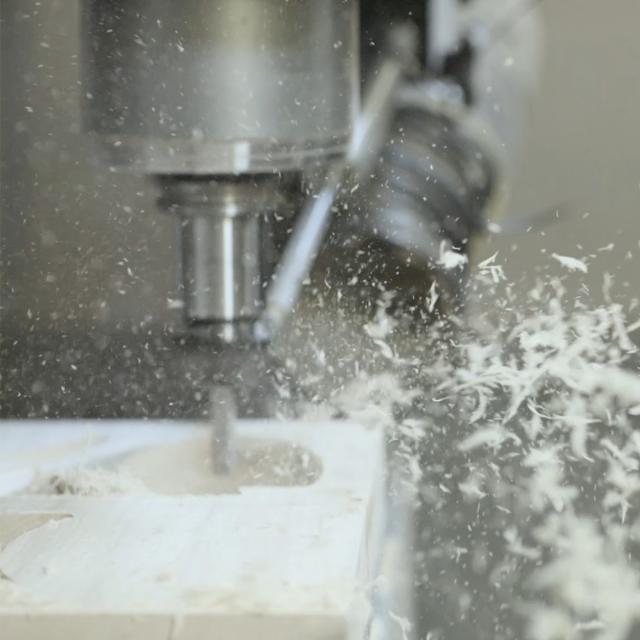
Introduction to CAD, CAM, and Practical CNC Machining (Coursera)

Offered by Autodesk,
Introduction to CAD, CAM, and Practical CNC Machining (Coursera)

This course introduces you to the foundational knowledge in computer-aided design, manufacture, and the practical use of CNC machines. In this course we begin with the basics in Autodesk® Fusion 360™ CAD by learning how to properly sketch and model 3D parts. Before we program any toolpaths, we’ll explore CNC machining basics to ensure we have the ground level foundational knowledge needed to effectively define toolpaths.

Class Deals by MOOC List - Click here and see Coursera's Active Discounts, Deals, and Promo Codes.

Finally, we explore the basics of setting up a CAM program and defining toolpaths to cut simple geometry. This is the same basic process that gets repeated for the design and manufacture of any part and is a critical step in learning and understanding the process.
Want to take your learning to the next level? Complete the Autodesk CAD/CAM for Manufacturing Specialization, and you’ll unlock an additional Autodesk Credential as further recognition of your success! The Autodesk Credential comes with a digital badge and certificate, which you can add to your resume and share on social media platforms like LinkedIn, Facebook, and Twitter. Sharing your Autodesk Credential can signal to hiring managers that you’ve got the right skills for the job and you’re up on the latest industry trends like generative design.
What You Will Learn

  • Explain the CAD design process as applied to prismatic parts.
    • Summarize the workflow of digital manufacturing.
  • Demonstrate knowledge and skills in basic Fusion 360 CAM.
  • Recall foundational knowledge of practical CNC machining.

Course 1 of 4 in the Autodesk CAD/CAM for Manufacturing Specialization.

Syllabus

WEEK 1
Autodesk Fusion 360 Foundational Design concepts
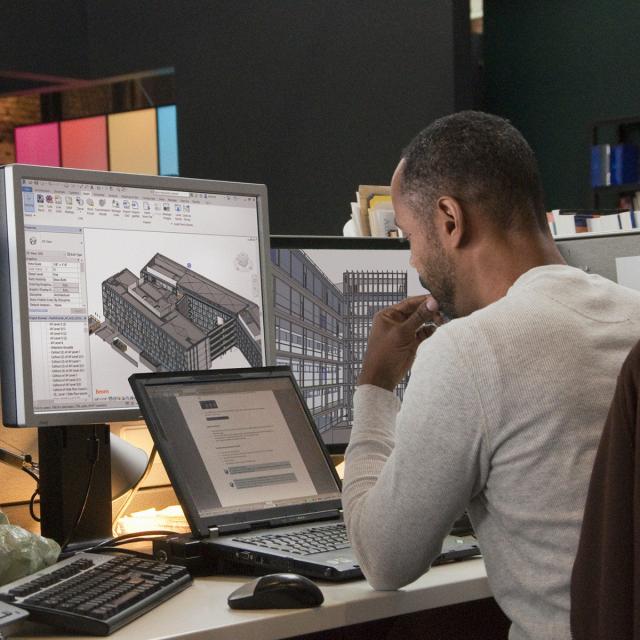
In Week 1, we’ll dive right into Autodesk® Fusion 360™ to learn all the basics of navigating, sketching, and modeling. This foundations of computer-aided design with Fusion 360 are the first steps to having a digital model that can be programmed and ultimately machined. We’ll focus our energy on learning the best practices for sketching geometry, creating 3D models, and understanding basic assemblies while designing our first part.

WEEK 2
CNC and machining basics
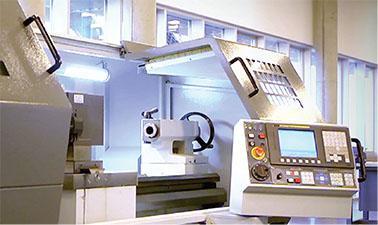
In Week 2, we’ll expand our knowledge by exploring the basics of machining. This course can’t replace hands-on training and practical knowledge at a physical machine, but there are some basics we should really cover before we dive into programming toolpaths. We'll cover topics like coordinate systems, work holding devices, tools, and types of cutting.

WEEK 3
Setting up CAM programs
In Week 3, we’ll explore all the details that go into setting up a CAM program. This involves defining stock, locating a coordinate system, and creating a digital tool library. We’ll also take a look at machine configurations, which allow us to digitally define the CNC machine and its parameters.

WEEK 4
Creating our first CNC program
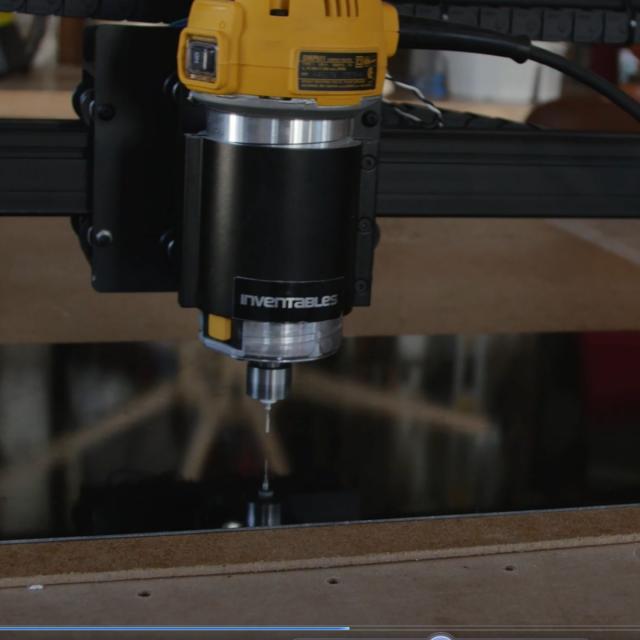
In Week 4, we’ll start creating toolpaths by exploring 2-axis cutting and 2.5-axis cutting operations. Starting with 2-axis cutting allows us the opportunity to learn about tool motion without focusing on too many parameters at once. With a solid foundation creating toolpaths for a waterjet machine we can begin learning about milling operations that position the Z-axis depth and cut only in X and Y. In these lessons, we’ll learn some of the most common operations needed to program prismatic parts.

Go to Class
MOOC List is learner-supported. When you buy through links on our site, we may earn an affiliate commission.

Related Courses

Introduction to Computer Numerical Control (edX) EdX
TenarisUniversity

Introduction to Computer Numerical Control (edX)

Learn how The Introduction to Computer Numerical Control (CNC) Machining enables computers to control manufacturing tools and how to select, program and operate a CNC machine. Computer Numerical Control (CNC) Machining is the process through which computers control machine-based processes in manufacturing. The kinds of machines controlled include lathes, mills, routers and grinders – all used for manufacturing of metal and plastic products.

Self Paced
Self-Paced
Autodesk Fusion 360 Integrated CAD/CAM/CAE (Coursera) Coursera
Autodesk

Autodesk Fusion 360 Integrated CAD/CAM/CAE (Coursera)

Design, engineering, and manufacturing are undergoing a digital transformation, and the need for a collaborative product development environment is becoming an ever-growing requirement. Autodesk® Fusion 360™ meets this need by connecting CAD, CAM, and CAE in a single cloud-based platform unlike any other tool of its kind. This course builds upon digital manufacturing trends and foundational CAD concepts discussed in Course 1 of this series by introducing Fusion 360 as a problem-solving tool.

Nov 4th 2024
5-12 Weeks
Digital Manufacturing: Introduction and Smart Design (Coursera) Coursera
L&T EduTech

Digital Manufacturing: Introduction and Smart Design (Coursera)

This course has been created for Mechanical, Manufacturing, and Mechatronics Engineers. The "Digital Manufacturing and Industry 4.0" course is intended for those who want to comprehend and navigate the transformative concepts and technologies that shape modern Industry. Throughout this course, participants will learn about the fundamental principles of digital manufacturing, the path to Industry 4.0, and the emerging technology that drives smart design and production processes through three modules.

Jun 22nd 2026
3 Weeks
Diseña, fabrica y programa tu propio robot (edX) EdX
Universitat Politècnica de València,UPValenciaX

Diseña, fabrica y programa tu propio robot (edX)

Aprenderás a diseñar, fabricar y programar tu propio robot (DYOR: Do Your Own Robot) con Arduino y te iniciarás en el mundo Maker. Es una metodología que llevamos años implementando en asignaturas de robótica de la Universitat Politènica de València. Está principalmente enfocado a educadores en áreas de Tecnología e Informática, pero también para personas que quieren iniciarse en el mundo Maker.

Self Paced
Self-Paced
Computer-Aided Design (CAD) (saylor.org) Saylor Academy
Saylor.org

Computer-Aided Design (CAD) (saylor.org)

CAD, or computer-aided design, is a powerful modeling tool that technical professionals use. With CAD, architects can draw up building plans and engineers can develop component and system designs. Some CAD programs even allow users to perform stress analysis, demonstrating how well a proposed structure will fare when put to use. For example, when does a load become too big? How much weight can be put onto a bridge before it becomes structurally unsound? Using CAD, professionals can create precise engineering drawings in both 2- and 3-D, complete with dimensions and specifications, in a neat and readable format.

Legacy Course
Self-Paced
Computational Geometry (Coursera) Coursera
Saint Petersburg State University

Computational Geometry (Coursera)

This course represents an introduction to computational geometry – a branch of algorithm theory that aims at solving problems about geometric objects. Its application areas include computer graphics, computer-aided design and geographic information systems, robotics, and many others. You will learn to apply to this end various algorithmic approaches, and asses their strong and weak points in a particular context, thus gaining an ability to choose the most appropriate method for a concrete problem.

May 16th 2022
5-12 Weeks
VLSI CAD Part II: Layout (Coursera) Coursera
University of Illinois at Urbana-Champaign

VLSI CAD Part II: Layout (Coursera)

A modern VLSI chip is a remarkably complex beast: billions of transistors, millions of logic gates deployed for computation and control, big blocks of memory, embedded blocks of pre-designed functions designed by third parties (called “intellectual property” or IP blocks). How do people manage to design these complicated chips? Answer: a sequence of computer aided design (CAD) tools takes an abstract description of the chip, and refines it step-wise to a final design.

Jun 1st 2026
5-12 Weeks
Digital Design (edX) EdX
HKUSTx,HKU School of Professional and Continuing Education

Digital Design (edX)

The course is an introduction to digital design technology. It allows you to understand the basics of digital design and helps you develop skills from computer aided design to animation covering topics such as rigging, key framing, rendering and more. Digital Design is about designing in digital space so that the created contents can be displayed and seen on a digital device. With the availability of high computing power, designers are able to quickly create designs in digital space prior to actual deployment.

Self Paced
Self-Paced
VLSI CAD Part I: Logic (Coursera) Coursera
University of Illinois at Urbana-Champaign

VLSI CAD Part I: Logic (Coursera)

A modern VLSI chip has a zillion parts -- logic, control, memory, interconnect, etc. How do we design these complex chips? Answer: CAD software tools. Learn how to build thesA modern VLSI chip is a remarkably complex beast: billions of transistors, millions of logic gates deployed for computation and control, big blocks of memory, embedded blocks of pre-designed functions designed by third parties (called “intellectual property” or IP blocks). How do people manage to design these complicated chips? Answer: a sequence of computer aided design (CAD) tools takes an abstract description of the chip, and refines it step-wise to a final design.

Jun 1st 2026
5-12 Weeks
Multi-Axis CNC Toolpaths (Coursera) Coursera
Autodesk

Multi-Axis CNC Toolpaths (Coursera)

Computer Numerical Controlled machines, or CNC for short, can have a nearly endless number of options. Most machines today control tool motion in 3-axes, X, Y and Z, but can be upgraded to include a 4th or 5th axis as well, A and B. Additionally, there are many machines on the market that are already 5-axis capable. The good news is that Autodesk® Fusion 360™ has you covered if you need to control multi-axis positioning or simultaneous motion in all 5 axes at once!

Nov 11th 2024
4 Weeks
Creating Toolpaths for a CNC Lathe (Coursera) Coursera
Autodesk

Creating Toolpaths for a CNC Lathe (Coursera)

CNC machines come in an almost endless array of configurations for various applications. So far, we have only talked about CNC Mills. More specifically vertical milling centers. In this course we turn our attention to the CNC Lathe. We identify the difference in a lathe’s coordinate system, tools, and how to create lathe specific toolpaths.

Nov 11th 2024
4 Weeks