Understand how the components of a computer system interact with each other on this online course for computing teachers. Learn what really happens when you turn a computer on. Understanding how a computer works after you press the power button is key to working with technology effectively. On this course, you will explore what happens inside the machine and learn how computers turn inputs into outputs.
Class Deals by MOOC List - Click here and see FutureLearn's Active Discounts, Deals, and Promo Codes.
You will learn what the computer operating system does and why you need it. You will also compare software and hardware, understand the importance of the central processing unit (CPU), and address factors that affect computer performance.
What topics will you cover?
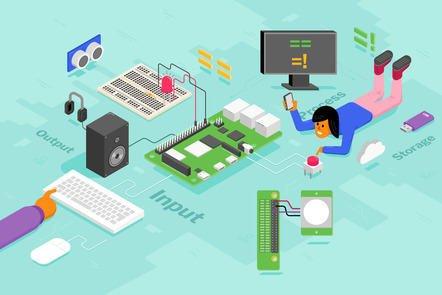
This course explores what happens when your computer turns on. Learn about how the components of a computer work together from the moment you press the “on” button, to the software, hardware and CPU.
Learning on this course
You can take this self-guided course and learn at your own pace. On every step of the course you can meet other learners, share your ideas and join in with active discussions in the comments.
What will you achieve?
By the end of the course, you'll be able to...
- Describe the difference between hardware and software
- Assess the importance of operating systems and virtual memory
- Describe and compare storage, input, and output devices
- Discuss factors affecting the performance of a system
- Identify the functions of the hardware in a computer system
- Explore different types of software such as application, system, and utility
- Investigate how devices interact with the operating system and other software
Who is the course for?
This course is for GCSE computing teachers as well as teachers from other countries at an equivalent level.