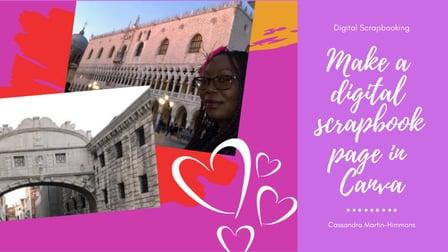
Learn a simple way to create a fabulous digital scrapbook page. If you’re new (or even not so new) to the world of digital scrapbooking, then this is the class for you! The skills that you learn in this class can be used to create other awesome scrapbook pages, marketing materials for your side hustle, a project for your online portfolio or more!
In this class, you will learn:
- How to sign up for a free Canva account
- How to choose an appropriate template for your needs
- How to upload your pictures and personalize the design of your scrapbook page.
This class is geared towards anyone who wants to learn how to show off their fabulous pictures in a beautifully designed scrapbook page; or for those who are interested in learning the basics of using Canva. Because Canva is a free, easy to use, online graphic design tool; no previous knowledge, equipment or graphic design experience is required.
When you finish this class, you’ll take away your own digital scrapbook page which you can either print or post to your website or favorite social media page. I’d love for you to share your creations and comments or questions with me and the class by posting to the class project page because we’re all in this together!
Project Description
Students will have a completed digital scrapbook page project at the end of the class. To complete the project, students will need to sign up for a free Canva account, decide on the appropriate template style, upload pictures to Canva, place them into the template and then personalize the template.