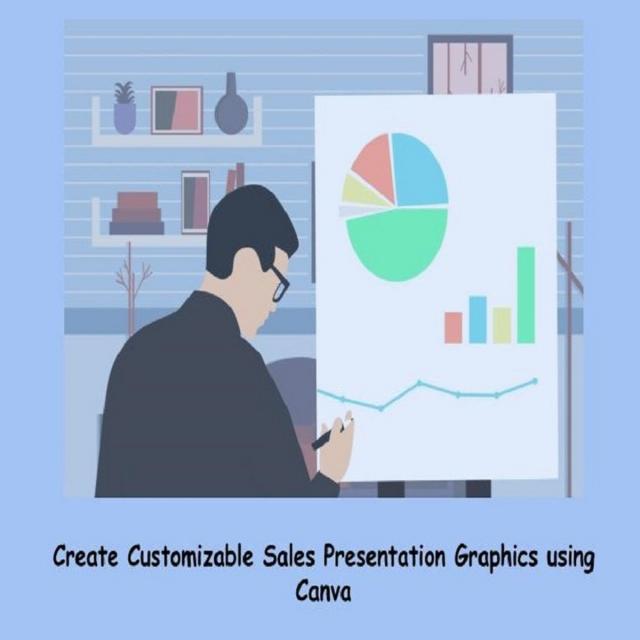
By the end of this project, you will have the ability to develop and design a target market analysis graphic, a sales CRM workflow graphic, and a data chart graphic using Canva. A web-based graphic design tool, Canva offers free accounts with broad access to facilitate visual content development. The learner will develop graphics appropriate for use in sales presentations and any other presentations the user deems appropriate.
Class Deals by MOOC List - Click here and see Coursera's Active Discounts, Deals, and Promo Codes.
In this Free Guided Project, you will:
- Create a customizable Target Market Analysis Graphic
- Create a customizable workflow graphic for a cloud-based Customer Relationship Management system
- Create a customizable sales data graphic
- Showcase this hands-on experience in an interview
Learn step-by-step:
- Create a free Canva account using a valid email address
- Review the variety of templates available under a range of categories in Canva and familiarize yourself with the design space toolbar
- Create a Target Market Analysis Graphic using a range of techniques and tools
- Complete the creation of your target market presentation by selecting shapes, positioning them in a graphic, and grouping them
- Create a customizable cloudbased workflow graphic
- Use the tools available in Canva to create a customizable sales data graphic
Go to Class
MOOC List is learner-supported. When you buy through links on our site, we may earn an affiliate commission.