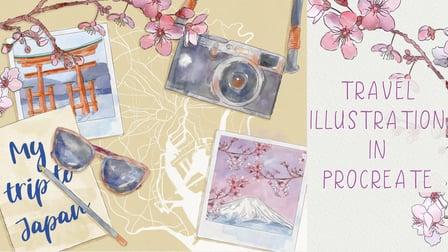
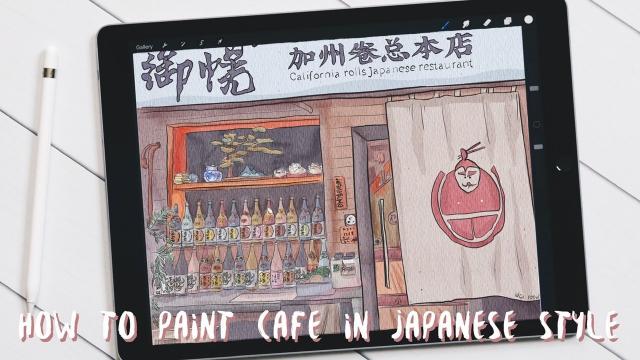
Hello everyone, in this class I'm gonna go over the basics of using procreate so that you'll be ready to start creating your first illustration.
I'll be going over
1) Organizing your canvas: Organizing your pieces of work
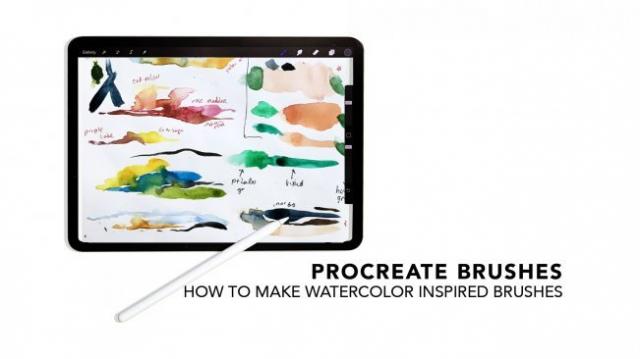
2) Brushes and Color Palettes: In this section, I'll be going over how to create your own color palettes and brush sets. I'll also be talking about how to edit your brushes.
3) Tips on a faster workflow: I'll be going over some tools I use while drawing to help speed up the process of creating your illustration.
4) Selection: I'll be showing you the selection tool where you can select certain items and edit, move, copy, or paste them.
5) Animate: I'll show you how I animate my illustrations using the animate assist tool.
6) Export your animation for Instagram: I'll show you how I export my animations to upload for Instagram.